
Arynox Microsoft Teams Manager – Browser Extension
Find important conversations, reduce clutter, and organize Microsoft Teams more efficiently. Download Link
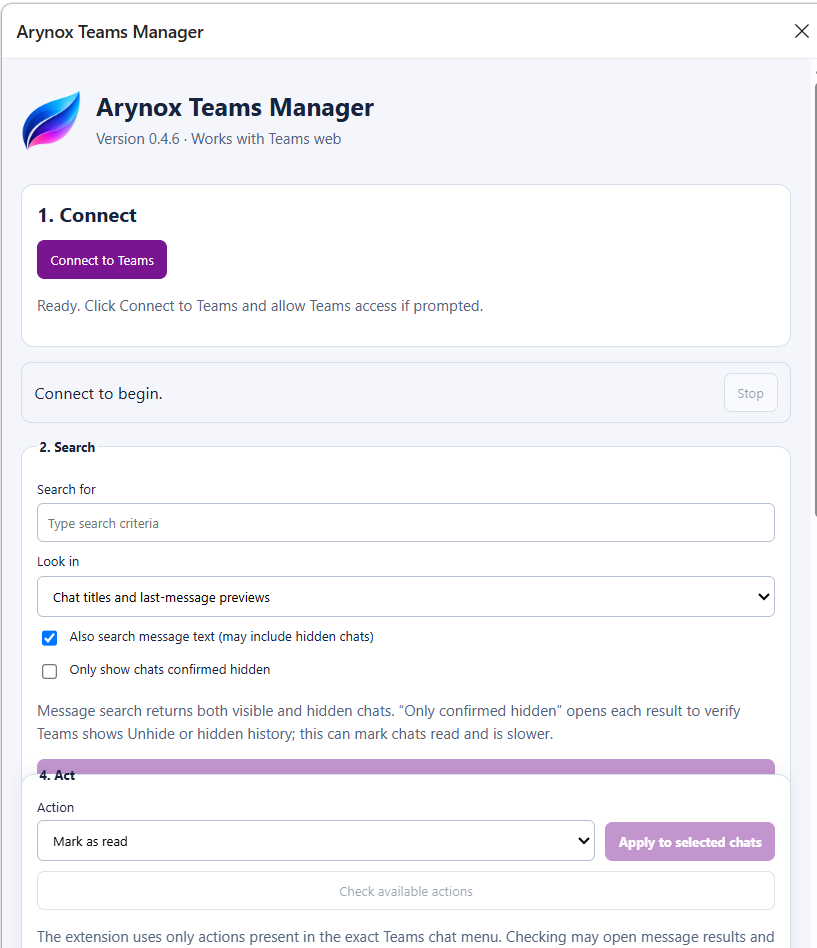
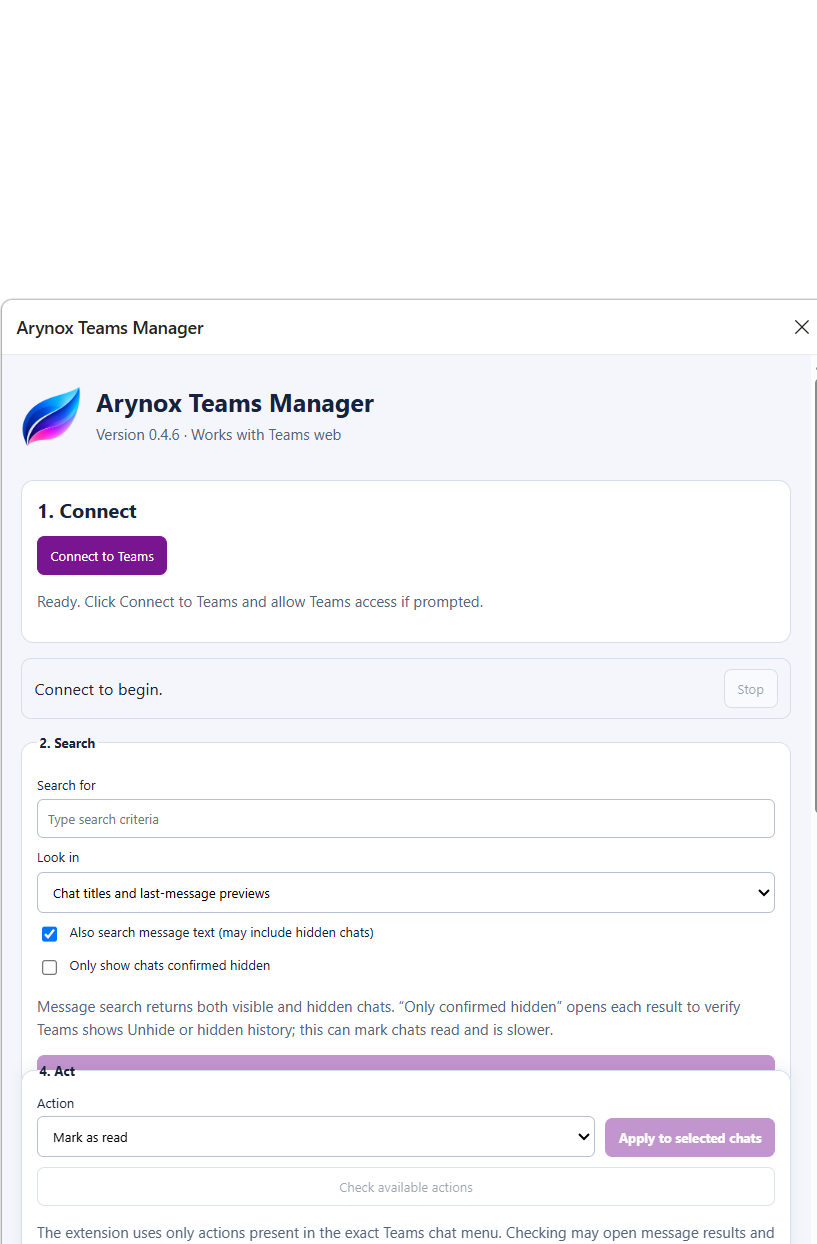
Arynox Microsoft Teams Manager is a browser extension designed for users and organizations managing large numbers of Microsoft Teams conversations. It provides a clear workflow for searching, reviewing, and organizing chats directly through the Microsoft Teams web interface.
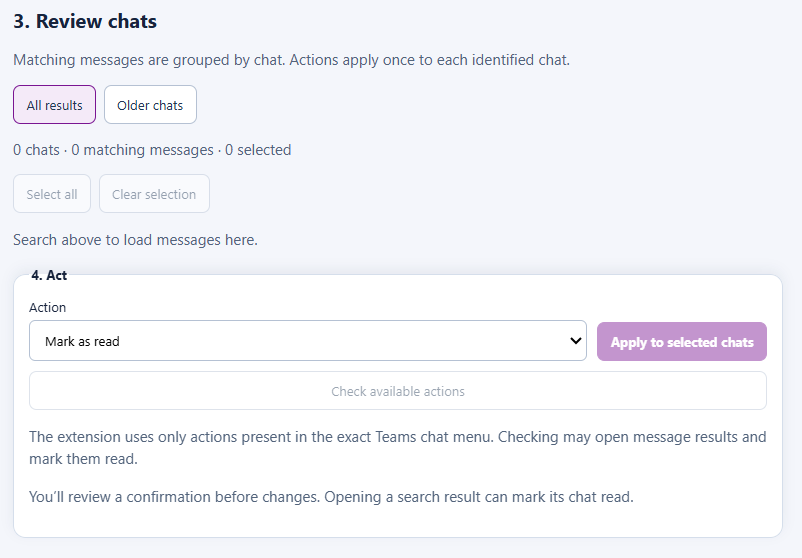
The extension can search chat titles, last-message previews, and message content, including results that Microsoft Teams returns from hidden chats. Multiple matching messages from the same conversation are grouped into a single chat result, making large searches easier to understand and manage.
Users can filter results by keyword, exact phrase, sender, migration date, or last activity. Selected chats can then be marked as read, hidden, unhidden, muted, unmuted, moved to Favorites, or processed using other actions supported by Microsoft Teams.
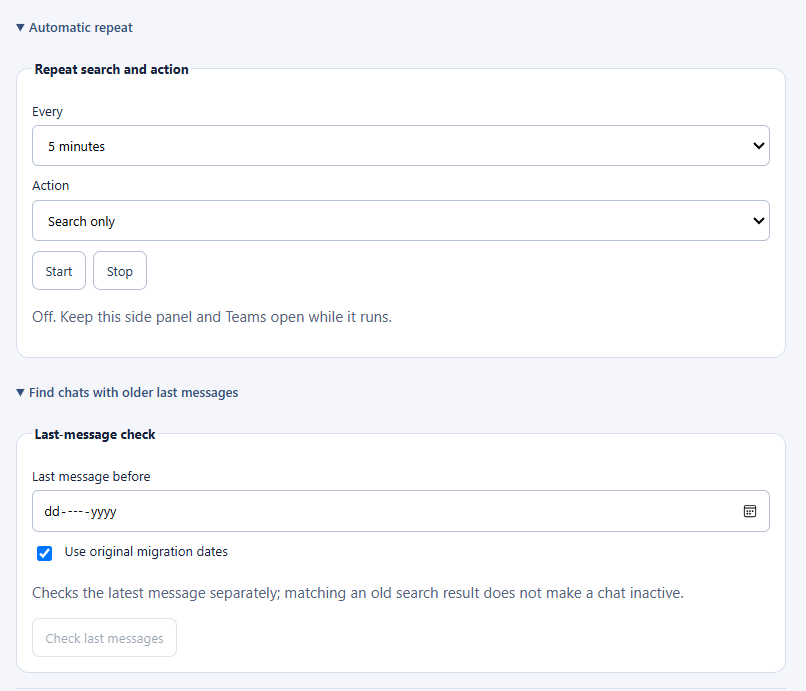
Saved searches make recurring tasks easier, while resumable batches help users continue interrupted work. Search and action reports can be exported for review or record keeping. Automatic processing can also repeat searches at selected intervals and optionally mark matching chats as read, hide them, mute them, or mark them as read and then hide them.
A common use case is cleaning up legacy Microsoft Teams migration messages. After a migration, users may receive hundreds of old messages labelled “Migration Service” or “Migration:”. These messages can create large unread counts and make current conversations harder to find. Arynox Teams Manager can locate these messages, group them by chat, filter them by their original migration dates, and process the related conversations in controlled batches.
The extension works in Google Chrome and Microsoft Edge. Microsoft Teams must be open and signed in within the same browser. Arynox Teams Manager operates through the visible Teams web interface and does not require Microsoft Graph permissions, a separate processing server, or access to the user’s Microsoft 365 password.
Key features
- Search Microsoft Teams chat titles and message previews
- Search message content, including results from hidden chats
- Display only chats confirmed as hidden
- Group multiple matching messages into one chat result
- Filter by keyword, exact phrase, sender, migration date, or last activity
- Mark selected chats as read
- Hide or unhide chats
- Mute or unmute chats
- Move supported chats to Favorites
- Remove supported one-to-one chat history
- Leave supported group or meeting chats
- Check available actions before processing
- Save frequently used searches
- Resume interrupted batches
- Export chat-level reports and action logs
- Repeat searches at configurable intervals
- Automatically mark matching chats as read and then hide them
- Clean, organized side-panel interface
- No Microsoft Graph permissions or separate server required
Arynox Microsoft Teams Manager helps users reduce Teams clutter, process legacy conversations, and focus on current work. Download here